


VinylAura™ Custom Vinyl Fridge Magnet
VinylAura™ Custom Vinyl Fridge Magnet
Couldn't load pickup availability
-
Ordered
- - -
Order Ready
- - -
Delivered

VinylAura™ Custom Vinyl Fridge Magnet

Our Guarantee

Our Guarantee
At VinylAura™️, we stand behind the quality of our products. That's why we offer a 30-day satisfaction guarantee.
If you're not completely satisfied with your VinylAura™️ product, simply return it for a full refund.
Your Favorite Music, Turned Into a Display Piece
VinylAura™ lets you enjoy your favorite artists and album covers in a unique way. Each magnet features a music-inspired design so you can show off the songs and artists you love. It’s a simple way to bring music culture into your space.

Easy Audio Download and Playback
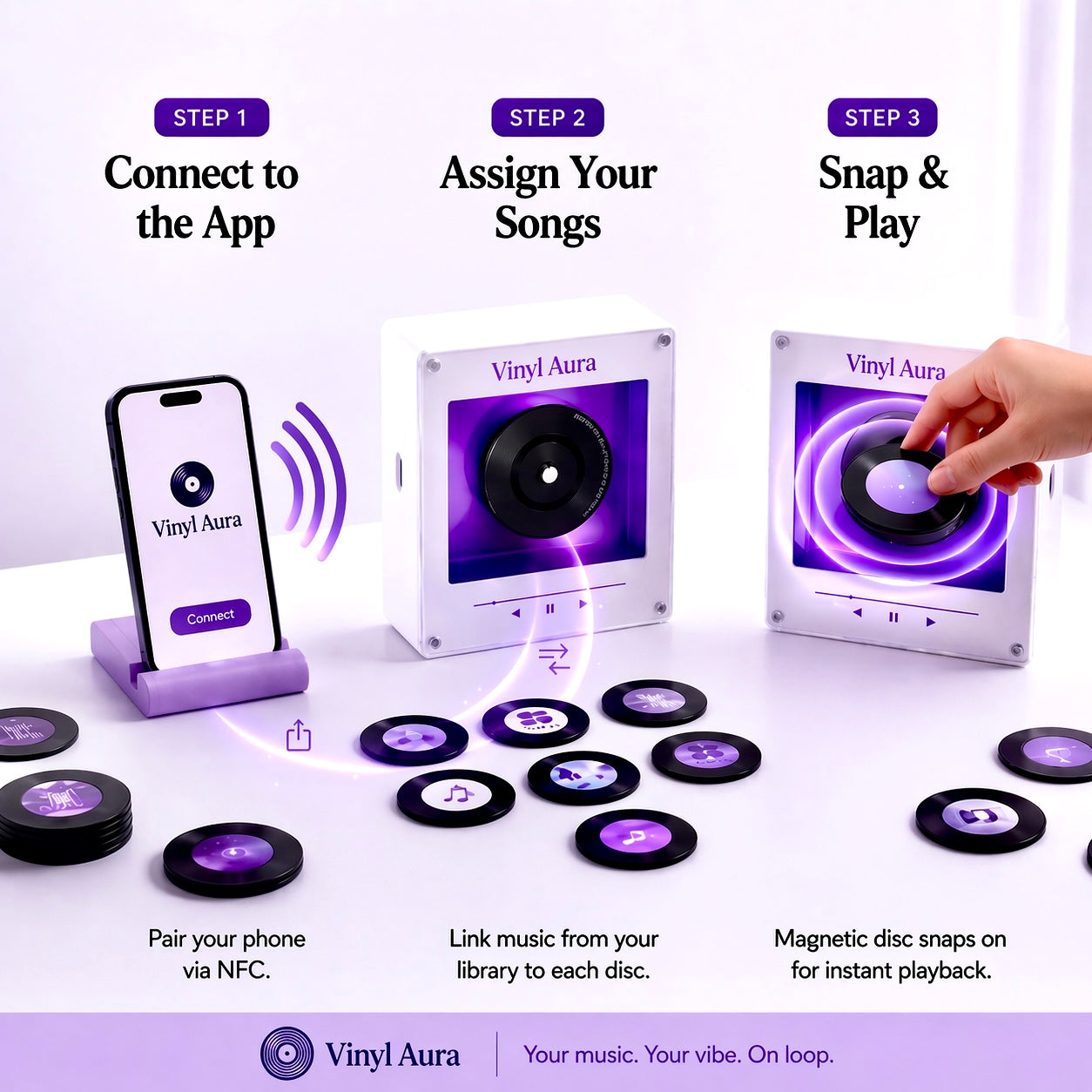
VinylAura™ is not just for display—you can also download your chosen audio and link it to the disk. This lets you play your selected music through the product in a simple and fun way. Just set it up once, and enjoy your music anytime.

A Must-Have for Music Fans
VinylAura™ is perfect for anyone who loves music and wants something different from regular decor. It sticks easily to your fridge or any metal surface and adds a stylish music vibe to your room. It also makes a great gift for music lovers and fans of their favorite artists.

Testimonials
FAQ
What’s included
What’s included
- 1 VinylAura music box
- 9 customized photo discs
- USB cable to import music
- premium keepsake box
How does it work
How does it work
Option 1 — BTS Edition
Choose from our curated BTS-inspired designs, ready with beautifully styled photo discs.
Option 2 — Custom Memory Edition (COMING SOON)
Send us 9 of your own photos, and we’ll create a personalized disc set just for you.
Music Setup
Once your VinylAura arrives, you can easily import any song you want using the included step-by-step setup guide.
This means you can change the song anytime to match your favorite memories 💜
The Disk can hold one song and will play the whole song on repeat.
Customization guide
Customization guide
Adding your own song to the VinylAura Music Box is simple and takes less than a few minutes.
Step 1 — Connect to your computer
Use the includedUSB-C cable to connect the music box to your laptop or PC.
Step 2 — Open the folder
A folder named“NO NAME”will appear on your computer.
Step 3 — Select your disc slot
Inside, you’ll see folders labeled 1–9, each matching one magnetic disc.
Step 4 — Match the number
Check the number / symbol on the back of the disc and use the matching folder.
Step 5 — Upload your song
Drag your MP3 file into the correct folder.
Step 6 — Enjoy your music
Safely eject the device, attach the disc, and your selected song is ready to play.
Customer Support
Customer Support
If you have any questions about your order or our products, feel free to Contact Us through are website.